23 Team Section Designs for Company Websites
Browse 23 team section designs for React and Next.js — grid with socials, carousel, with bios, and more. Built with Shadcn UI and Tailwind CSS for company and startup websites.
SERP Blocks Team
Product
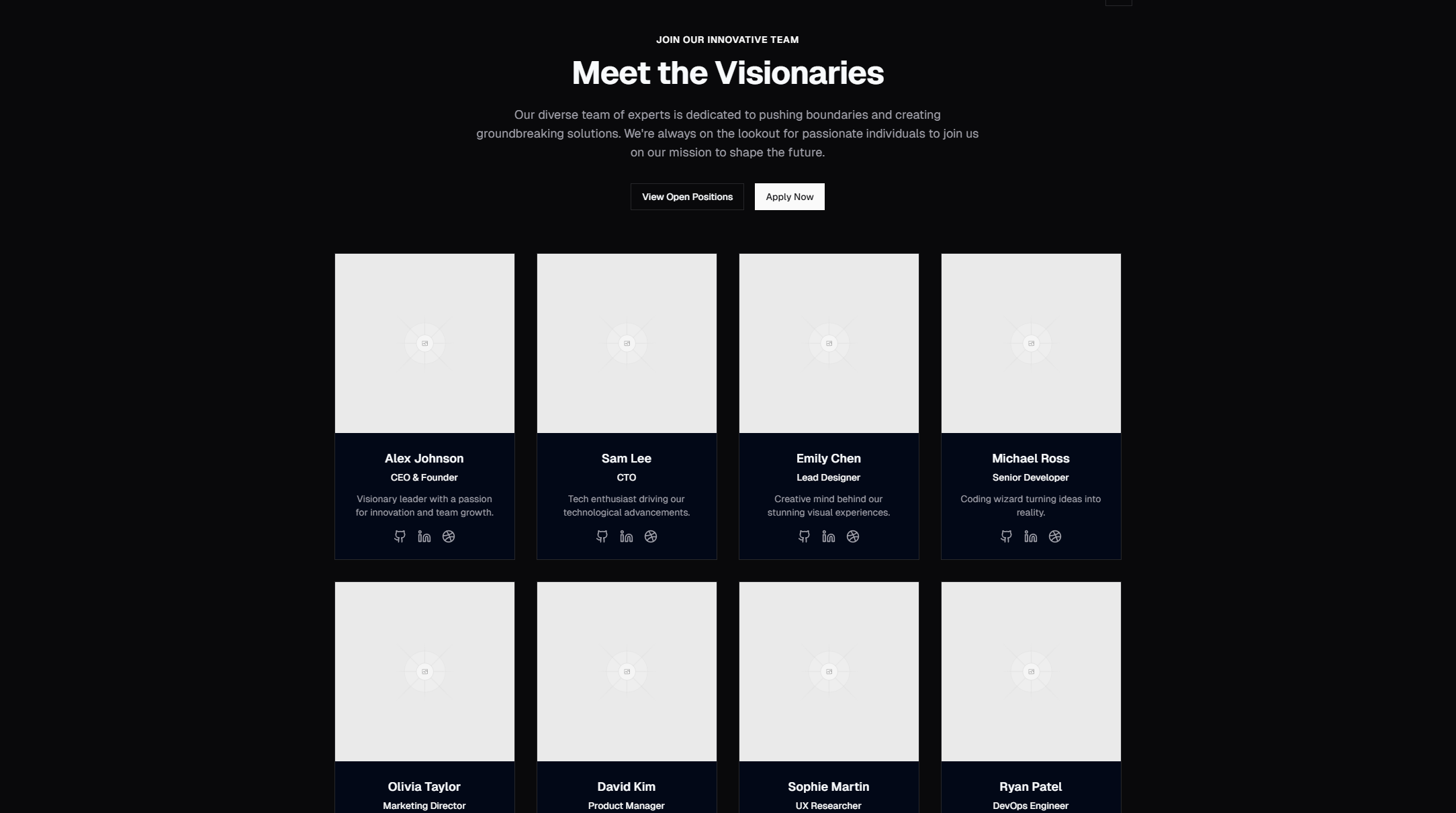
The team section is one of the most underrated sections on a company website. It humanizes your brand, builds trust with potential customers, and helps with recruiting. Yet most developers treat it as an afterthought — a simple grid of headshots and titles bolted onto the bottom of the about page.
The SERP Blocks team collection includes 23 team section designs, each with a different approach to presenting the people behind your product.
Why Team Sections Matter
People buy from people. In B2B sales, prospects often research the team before making a purchase decision. In startup fundraising, investors evaluate the team as heavily as the product. In recruiting, candidates look at the team section to gauge culture and diversity.
A well-designed team section serves multiple audiences:
Customers see real people, which builds trust
Investors evaluate expertise and background
Candidates assess who they'd be working with
Partners identify who to connect with
Team Section Layout Patterns
Grid Layouts
The most common pattern: team member cards arranged in a responsive grid. Each card shows a photo, name, role, and optionally social links or a short bio.
Grid layouts work for teams of any size. They scale naturally — 4 members fill a single row, 12 fill three rows, 20+ can use pagination or "show more."
Variants include:
3-column grid — Standard for teams of 6-12
4-column grid — For larger teams, more compact cards
2-column grid — Larger cards with more detail per member
Asymmetric grid — Featured member (CEO/founder) gets a larger card, rest in standard grid
Carousel/Slider Layouts
Team members displayed one at a time or in groups, cycling through with navigation controls. Carousels work well for large teams (15+) where a full grid would feel overwhelming, or when you want each team member to have a moment of individual attention.
Carousel variants include:
Single member per slide — Maximum visual impact per person
Group carousel — 3-4 members per slide, team by department
Auto-scrolling — Continuous rotation with pause-on-hover
Bio-Focused Layouts
Layouts that prioritize biographical text alongside the photo. Instead of compact cards, these designs give each team member a paragraph-length bio, previous company experience, or personal interests.
Bio layouts work best for small teams (3-8) where each person's background is a selling point — startup founding teams, consulting firms, and advisory boards.
Photo-Dominant Layouts
Designs where the photography takes center stage — full-bleed images, large portraits, or environmental photos showing the team in context. Text overlays provide name and role without competing with the image.
Photo-dominant layouts are effective for creative agencies, design firms, and companies that want to project a strong visual identity.
Department-Organized Layouts
Team members grouped under department headings — Engineering, Design, Product, Marketing. This structure helps large organizations show their full team while keeping it navigable.
Variants include:
Tabbed departments — Click a department tab to see that team
Accordion departments — Expand a department to reveal members
Scrolling sections — All departments visible with scroll anchors
Minimal Layouts
Clean, text-forward designs with small photos or no photos at all — just names, roles, and links. These project a modern, no-nonsense aesthetic and work well for technical teams and developer-focused companies.
Team Section Best Practices
Use Real Photos
Professional headshots are ideal, but authentic casual photos work too. What doesn't work: stock photos, AI-generated faces, or placeholder silhouettes. Visitors can spot fake photos instantly, and they destroy the trust you're trying to build.
Photo tips:
Consistent background and lighting across all photos
Similar framing (headshot vs. half-body)
Natural expressions — forced corporate smiles feel artificial
Reasonable file sizes — compress images without sacrificing quality
Include Social Links
LinkedIn profiles, Twitter/X handles, and personal websites let visitors connect with your team directly. For developer-focused companies, GitHub profiles are particularly relevant. Social links also help with SEO through outbound linking and entity recognition.
Show Diversity
If your team includes people from different backgrounds, locations, and experience levels, your team section should reflect that. Diversity in team sections positively impacts both recruiting and customer trust.
Keep Roles Clear
Use role titles that visitors understand. "Chief Revenue Officer" is clearer than "VP of Go-to-Market." "Senior Frontend Engineer" is clearer than "Software Craftsperson." The team section isn't the place for creative job titles — save those for the careers page.
Consider Mobile Behavior
On mobile, team grids collapse to 1-2 columns. Ensure that:
Photos resize proportionally
Names and roles remain readable
Social links have adequate touch targets
The section doesn't become excessively long on mobile (consider "show more" for large teams)
All 23 SERP Blocks team designs handle responsive behavior automatically.
Team Sections in Context
Team sections typically appear on:
About Pages
The most common placement. Pair with about sections (32 blocks) for the company story, and the team section for the people behind it.
Landing Pages
For startups, putting the team on the landing page — especially the founding team — builds credibility with investors and early adopters. Place after features and testimonials.
Careers Pages
On careers pages, the team section shows candidates who they'd be working with. Pair with careers blocks (20 designs) for job listings and application forms.
Related Block Categories
Team sections often combine with:
| Section | Category | Count |
| Company Story | About | 32 |
| Job Listings | Careers | 20 |
| Company Timeline | Timeline | 10 |
| Awards | Awards | 10 |
| Statistics | Stat | 10 |
SERP Blocks includes 1200+ total blocks across 50+ categories. 60 are free, with the full library available through a one-time Pro purchase.